Melt Everything With Acid Controls
PC, mobile, and controller inputs for melting and menus.
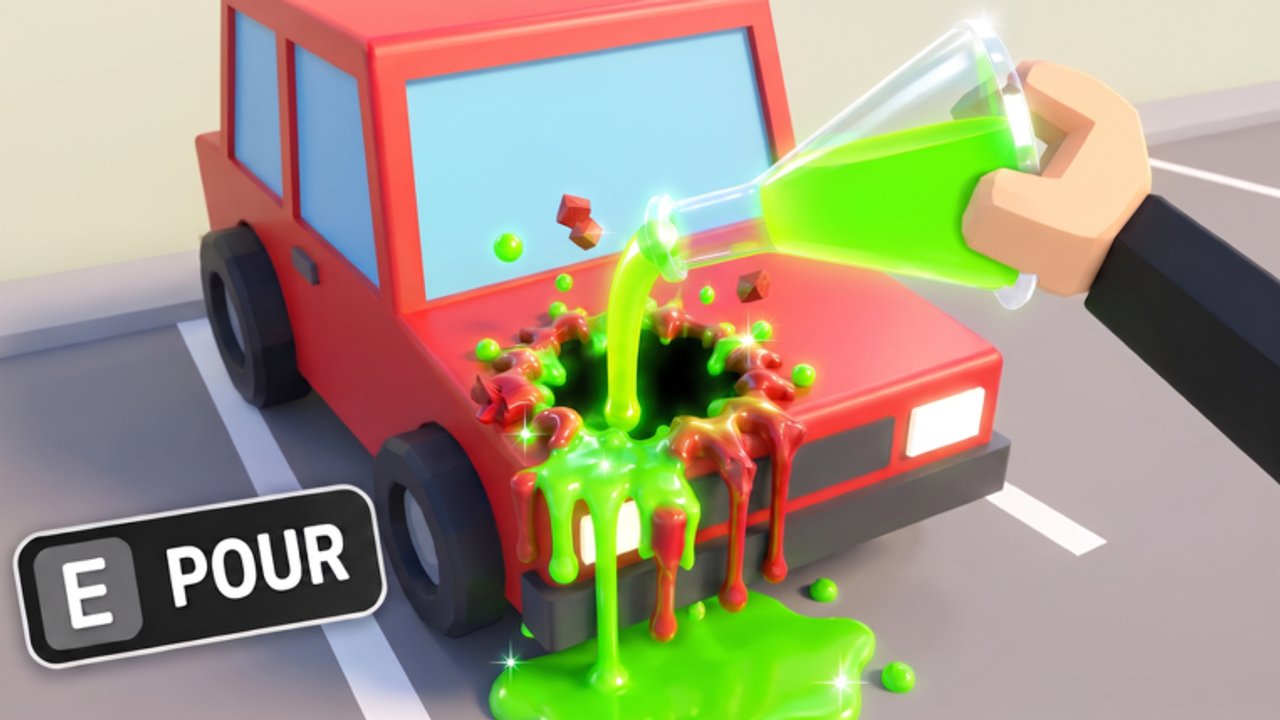
Good aim with a bad binding still feels awful. This Controls page documents how to move, spray, and open menus in Melt Everything With Acid across Roblox platforms. Use it with Getting Started on day one and with the Players Hub when you teach a friend.
PC controls
| Action | Default |
|---|---|
| Move | WASD |
| Jump | Space |
| Spray / melt | Left mouse button (hold) |
| Camera | Mouse movement |
| Sprint (if enabled by Roblox) | Shift |
| Open experience menus | On-screen UI buttons |
Click the sprayer tool in the backpack hotbar if spraying does nothing—unequipped tools are the top beginner issue.
Mobile controls
| Action | Default |
|---|---|
| Move | Left virtual joystick |
| Camera | Drag on the right side |
| Spray | On-screen attack / tool button |
| Jump | Jump button |
| Shop / codes | Tap UI icons |
Thumb fatigue is real on long prison clears. Take short breaks between Chapter 2 pushes, and prioritize melt power so each spray burst counts (upgrade guide).
Gamepad controls
| Action | Typical binding |
|---|---|
| Move | Left stick |
| Camera | Right stick |
| Spray | RT / R2 |
| Jump | A / Cross |
| UI select | A / Cross on highlighted buttons |
Roblox console UI focus can be finicky in shops. Move slowly through upgrade nodes so you do not buy speed by accident when you wanted power (Upgrades Path).
Camera tips for melting
- Keep the camera slightly elevated to see desk grids and bar rows.
- On soft walls, face the surface squarely so the full cone connects (How to Escape).
- In multiplayer, avoid camera clipping into other avatars at the exit hole.
UI buttons you should memorize
- Shop — upgrades and sprayers (tier list)
- Codes — when present (Codes Hub)
- Settings — audio and graphics if melt effects tank FPS
Lowering particles on low-end mobiles can make soft-wall edges easier to read.
Troubleshooting input
| Symptom | Fix |
|---|---|
| No spray | Equip sprayer tool |
| Spray but no melt | Move closer; upgrade power |
| UI not clickable on gamepad | Move highlight with stick, confirm |
| Mobile attack button missing | Check that the tool is equipped; rotate phone UI |
| Sticky movement | Check network; rejoin server |
Accessibility notes
Hold-to-spray can strain wrists. Alternate hands on PC, or use shorter melt sessions with higher power so total hold time drops. Nothing on this wiki replaces official Roblox accessibility settings—open them from the Roblox menu anytime.
After controls feel natural
Return to progression: clear Chapter 1, plan Chapter 2, and keep Updates bookmarked. Controls are the floor; upgrades and routes are the climb.
Related
- Players Hub
- Guides Hub
- Scripts Hub (input macros are still against ToS)
- Wiki
Practice drill for new controls
Spend five minutes in a quiet school hallway practicing hold-to-spray while strafing along a locker row. Then open the shop once using only the inputs for your platform so muscle memory covers both combat and purchases. Finish by melting one soft wall face-on, as described in How to Escape, so you learn the camera angle that matters for badges. If spray still feels weak after perfect inputs, the issue is upgrades—open the upgrade guide and the sprayer tier list instead of rebinding keys again.
When patches change bindings
Roblox client updates occasionally shuffle gamepad focus or mobile button layouts. After any note on the Updates Hub, re-test spray, jump, and shop open before a serious Chapter 2 push. Keep this Controls page bookmarked so friends joining from console can match your callouts during co-op melts covered on the Players Hub. Cross-check chapter routes in the Guides Hub once inputs feel natural.
Frequently Asked Questions
Quick answers to the most common questions.
Why can't I spray acid?
Equip the acid sprayer from your tool hotbar, then hold the attack input for your platform.
What button sprays on controller?
Typically RT on Xbox-style pads or R2 on PlayStation-style pads inside Roblox.
Can I rebind keys?
Use Roblox's own settings where available. Experience-specific rebinds may be limited.
Is mobile harder?
Touch spray can tire you faster. Compensate with stronger melt upgrades so bursts are shorter.