Melt Everything With Acid How to Upgrade Your Acid Sprayer
Spend order, melt power priorities, and shop traps explained.
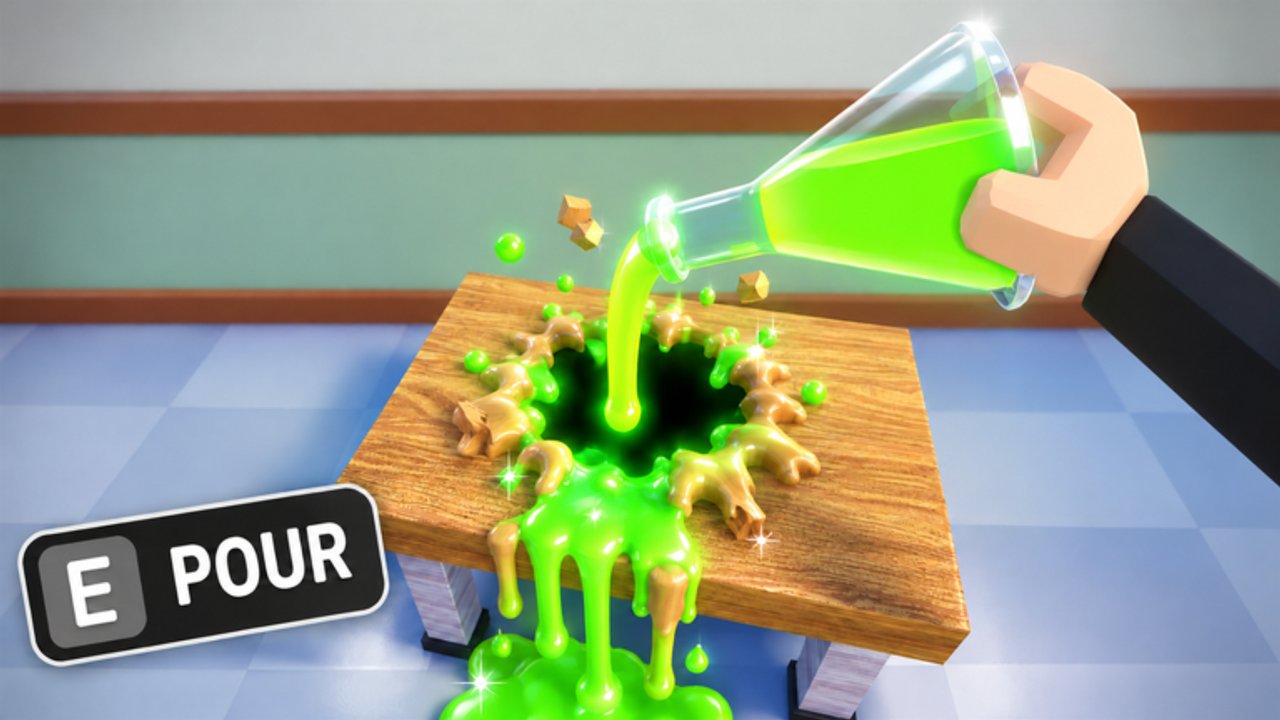
Your acid sprayer is the entire combat fantasy of Melt Everything With Acid. Upgrading it correctly is the difference between a twenty-minute school clear and an hour of sad dripping on a single locker. This guide locks a spend order that matches our tier lists and works for both Chapter 1 and Chapter 2 economies.
Upgrade pillars
Most shops in this genre expose some mix of:
- Melt power / damage — how fast props dissolve
- Capacity / tank — how long you spray before refill
- Range / cone — how many props you hit per sweep
- Move speed — how fast you rotate rooms
- Weapon tier unlocks — pistol → thrower → bazooka archetypes
Rank them for progression as power → weapon tier → capacity → range → speed. Cosmetics never enter the list.
Watch upgrade pacing in gameplay
The video below shows melting with progressively stronger tools. Notice how room clear time collapses once the sprayer leaves starter territory—that is the feeling you are buying.
Step-by-step spend plan
Phase A — Tutorial cash
Dump early earnings into the first melt-power node. Do not touch skins. Confirm you followed Getting Started so you know where the shop UI lives.
Phase B — School clear
Buy the first A-tier thrower ranked on the Acid Sprayer Tier List. Add one capacity bump if you constantly run dry mid-classroom. Then finish Chapter 1.
Phase C — Prison prep
Bank for S-tier wide tools before deep Chapter 2 attempts. Stack melt power aggressively. Speed can wait until bars collapse in seconds.
Phase D — Optimization
Follow the detailed node order on Upgrades Tier Path. Revisit after every update in case prices shift.
Shop mistakes that waste hours
- Equal investment in every stat. A balanced weak gun still clears slowly.
- Buying every weapon. Lateral C-tier pistols dilute cash that should fund one S-tier cone.
- Spending codes on cosmetics. Redeem on Codes, then buy power immediately.
- Upgrading mid-escape panic. If you are at the final soft wall, finish the hole first; shop trips break focus (How to Escape).
Comparing weapons before purchase
Use this quick checklist in the shop preview:
| Question | Prefer yes |
|---|---|
| Does it raise melt rate on desks/beds? | Yes |
| Is the cone wider than my current gun? | Yes for Chapter 2 |
| Is it mainly a skin? | Skip |
| Does a teammate already clear rooms faster with this archetype? | Strong signal |
When unsure, open the Tier List Hub on your phone while the shop menu is open.
Multiplayer upgrade etiquette
If you share a server, call when you are shop-locked so teammates know the melt lane is quieter for thirty seconds. Do not stand in the exit hole AFK browsing skins—see Players.
Scripts versus upgrades
Auto-buy macros from the Scripts Hub can purchase the wrong tree and drain your economy. Manual spending with this guide is safer for your account and usually smarter for your build.
Measuring success
You upgraded correctly when:
- Classroom desks pop in a short continuous spray
- Prison bars no longer feel like a second job
- You reach exits without emergency shop runs
If those checks fail, respec priority toward power and S-tier tools, then retry the matching chapter guide.
Next reads
- Acid Sprayer Tier List
- Upgrades Tier Path
- Chapter 2 Prison
- Codes for free cash injections
Upgrade with intent and the maps shrink.
Frequently Asked Questions
Quick answers to the most common questions.
What is the first upgrade I should buy?
Melt power. It improves every spray regardless of which gun you hold.
When should I buy a new sprayer weapon?
After the first power node, buy an A-tier thrower for school, then save toward S-tier for prison.
Is move speed a good early upgrade?
No. Speed before power makes you arrive at props that still take forever to melt.
Do codes help upgrades?
Yes. Redeem cash or melt rewards on the Codes page, then spend immediately on power or weapon tiers.