Melt Everything With Acid Guides
Deep walkthroughs for school, prison, upgrades, and escapes.
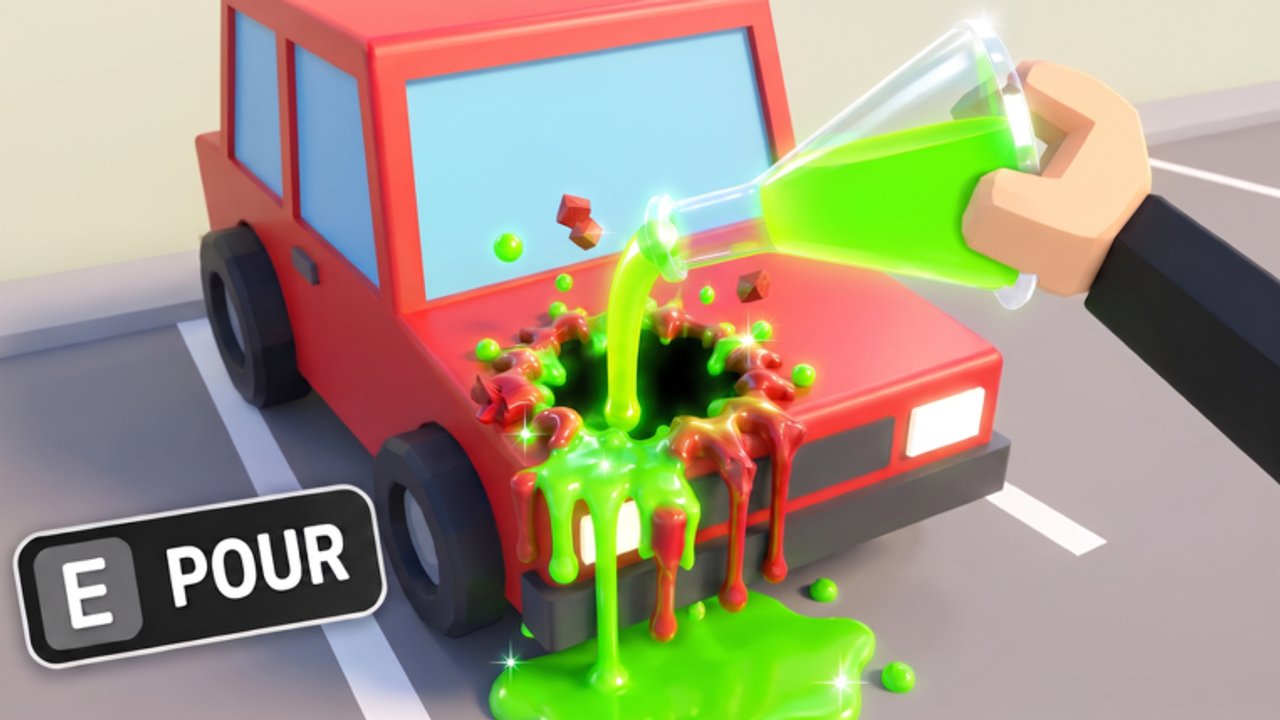
This Guides Hub is the main map of walkthroughs for Melt Everything With Acid on Roblox. Whether you just spawned with a weak pistol or you are stuck melting prison bars in Chapter 2, pick the guide that matches your bottleneck. Every article targets a real player question—how to start, how to upgrade, how to clear a chapter, and how to escape—and cross-links the tier list and codes so you never farm blind.
Start here if you are new
Open Getting Started first. It covers controls, the melt-and-earn loop, when to visit the shop, and how to read chapter objectives. The page embeds a real gameplay video so you can see spray timing before you invent bad habits. After that session, skim Players / Controls if you switch between keyboard, touch, and gamepad.
Chapter walkthroughs
Melt Everything With Acid currently ships two major story escapes:
- Chapter 1: School Escape — melt classrooms, lockers, and hallway blockers until you earn the Chapter 1 badge.
- Chapter 2: Prison Escape — denser props, tougher soft walls, and a higher melt-power requirement. Includes a Chapter 2 gameplay embed.
Both chapters reward exploration, but efficiency comes from knowing which walls are decorative versus required. The dedicated How to Escape guide consolidates exit logic that applies to every future chapter High Elevation Studios adds.
Progression and upgrades
If your spray tickles props instead of deleting them, you have an upgrade problem—not a skill problem. Read Upgrade Your Acid Sprayer for the spend order that matches our Upgrades Tier Path. Pair it with the Acid Sprayer Tier List before you buy a novelty gun from the shop. When wallets feel empty, run the circuits on Farm Currency Fast instead of melting random hallway clutter.
Badges
Track Welcome, Chapter 1, and Chapter 2 awards—including mid-November rarity snapshots—on the Badges Guide. Use it when you need earn order and myth-busting more than a full route replay.
How these guides answer search intent
| Player question | Guide to open |
|---|---|
| How do I play / get started? | Getting Started |
| How do I beat the school? | Chapter 1 School |
| How do I beat the prison? | Chapter 2 Prison |
| How do I upgrade faster? | Upgrade Acid Sprayer |
| How do I farm currency fast? | Farm Currency |
| How do I unlock badges? | Badges Guide |
| How do I escape / find the exit? | How to Escape |
Using guides with codes and scripts
Codes can skip hours of farming—check the Codes Hub before a long grind. Scripts can automate melts but risk the account; read the Scripts Hub disclaimer if you were searching for executors. Most players progress faster by combining a good guide with a correct shop purchase than by fighting anti-cheat.
Multiplayer tips while following guides
Servers hold up to 20 players. Friendly melting near the same hallway is fine; blocking exits or griefing melt targets is not. See the Players Hub for etiquette and role ideas (spotter, melter, shop runner).
Keep guides current
When Chapter 3 or balance patches land, we revise the affected walkthrough and note it on Updates. If a video thumbnail looks outdated, trust the written steps first—coordinates and shop prices change more often than creators re-upload.
Pick a guide below and start melting with a plan instead of random spray.
Frequently Asked Questions
Quick answers to the most common questions.
Which guide should I read first?
Start with Getting Started, then clear Chapter 1 school before moving to Chapter 2 prison and the upgrade guide.
Where do I learn badge rarities and earn tips?
Open the Badges Guide for Welcome, Chapter 1 school, and Chapter 2 prison awards, including rarity snapshots.
How do I farm cash quickly?
Use the Farm Currency guide for school vs prison loops, spend order, and when to stop farming to escape.
Do guides include YouTube videos?
Yes where a verified video exists. Each guide page embeds at most one real gameplay video in the middle of the article.
Are these guides for PC only?
No. Steps work on Roblox PC, mobile, and console. See Players / Controls for input differences.
Where do I see patch changes?
Visit the Updates Hub and the Chapter 2 release notes page after each studio drop.